Have an Invite Code?Click Here →

Android co-parenting apps · 2027

The best Android co-parenting app of 2027.

Material You theming, fingerprint sign-in, home-screen widgets, battery-friendly background sync, and full offline support — plus court-ready records for both parents. Free.

100% free — no credit card, no trial, no paywall
Best Android co-parenting app 2027

Native Android feel

Material You, BiometricPrompt, resizable widgets, notification channels.

No Google Play required

PWA install from Chrome — appears in your app drawer like any other app.

Cross-platform first

Works seamlessly if your co-parent is on iPhone — same data, same record.

What makes an Android co-parenting app great in 2027

Android 16 apps in 2027 are expected to respect Material You theming, use BiometricPrompt for sign-in, ship resizable widgets, and be careful about battery drain. Most family-court apps are years behind on this — CustodyTrac is built for what Android users actually use today.

Notification channels let you separate exchange reminders, incoming messages, and expense updates so you can silence what doesn't matter without missing what does.

Battery, background sync, and offline

CustodyTrac uses WorkManager-backed background sync so scheduled reminders fire on time without draining the battery, and every module works offline — the app queues writes locally and reconciles the moment you're back online.

What you get

  • Material You dynamic theming.
  • Fingerprint / face-unlock via BiometricPrompt.
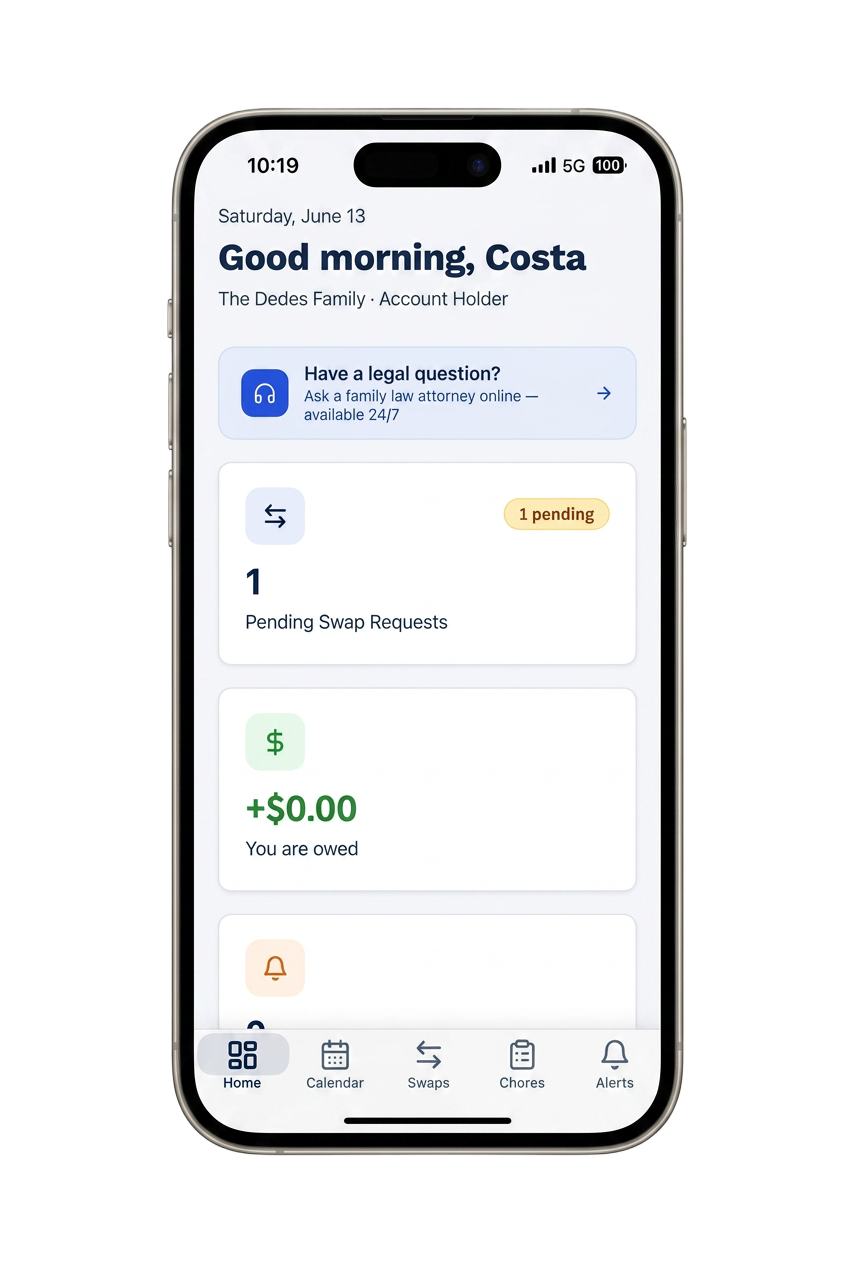
  • Resizable home-screen widget for next exchange.
  • Notification channels for reminders, messages, expenses.
  • Battery-friendly WorkManager background sync.
  • Full offline support with automatic reconciliation.
  • PWA install from Chrome — no Google Play required.
  • Every feature free — same as iPhone and web.

Frequently asked questions

What's the best Android co-parenting app in 2027?
CustodyTrac. It's optimized for Android 16 with Material You theming, biometric sign-in, home-screen widgets for the next exchange, and battery-friendly background sync. Free for both parents, and every feature works whether you're on a Pixel, Samsung, or Motorola.
Do I install it from Google Play?
In 2027 you can install CustodyTrac directly from Chrome as a PWA — no Google Play account required. It appears in your app drawer, supports push notifications, works offline, and updates itself.
Does it use fingerprint / face unlock?
Yes. CustodyTrac supports Android's BiometricPrompt for sign-in and app lock — fingerprint, face unlock, or PIN depending on your device.
What about home-screen widgets?
CustodyTrac ships a resizable home-screen widget showing the next custody exchange, unread messages, and outstanding balance. Material You theming means it matches your wallpaper automatically.
Will it work if my co-parent is on iPhone?
Yes — the entire point. CustodyTrac gives both platforms a native-feeling experience with identical data and court-ready records, so cross-platform families don't have to compromise.

Free for both parents. Forever.

Every CustodyTrac feature is available at no cost. No paywalls, no upsells, no locked reports.

Create your free account